Why Your Google Ads Are Getting Clicks But No Calls
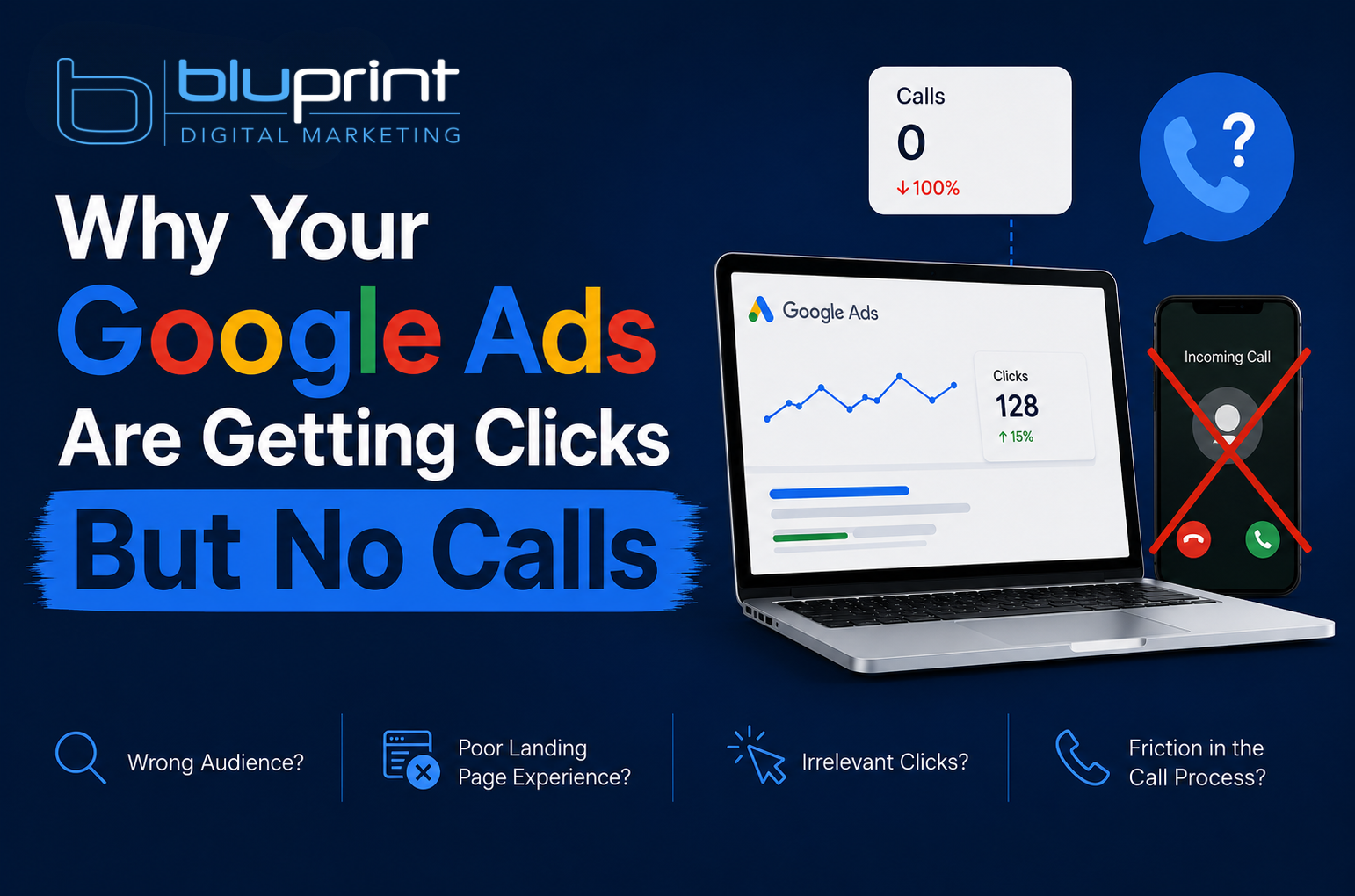
You log into Google Ads and the numbers look decent. Clicks are coming in. Your cost-per-click isn’t terrible. But the phone isn’t ringing and your form isn’t getting filled out.
Sound familiar? You’re not alone — and the good news is this is almost always fixable. The bad news is that most business owners blame the wrong thing. They assume Google Ads just “doesn’t work” for their industry and either crank the budget up hoping something changes, or shut it all down entirely.
Before you do either, here are the most common reasons your Google Ads are getting clicks but no conversions — and what to do about each one.
1. You’re Attracting the Wrong Clicks
Not all clicks are created equal. A click from someone searching “how much does hail damage repair cost” is very different from someone searching “hail damage repair near me.” One is doing research. The other is ready to call.
If your ads are showing up for informational, broad, or irrelevant searches, you’re paying for traffic that was never going to convert. This happens when:
- Your match types are too broad (broad match keywords can trigger for almost anything)
- You haven’t built out a negative keyword list to block irrelevant searches
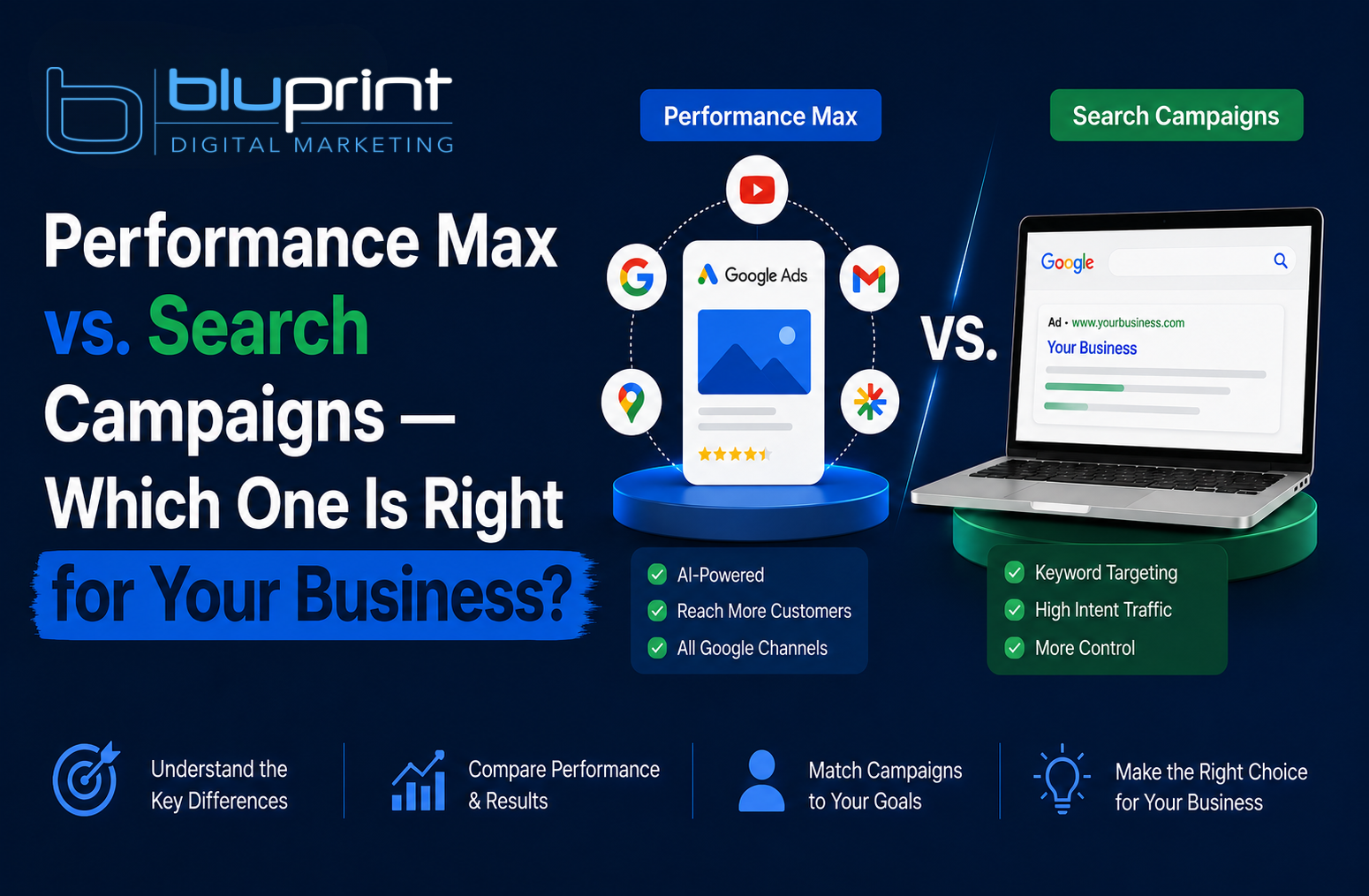
- You’re running Performance Max without proper audience signals and letting Google decide who sees your ads
The fix: Pull your Search Terms report in Google Ads. Look at the actual searches that triggered your ads. You’ll likely find a long list of terms you’d never want to pay for. Start adding negatives aggressively and tighten your match types.
2. Your Landing Page Doesn’t Match Your Ad
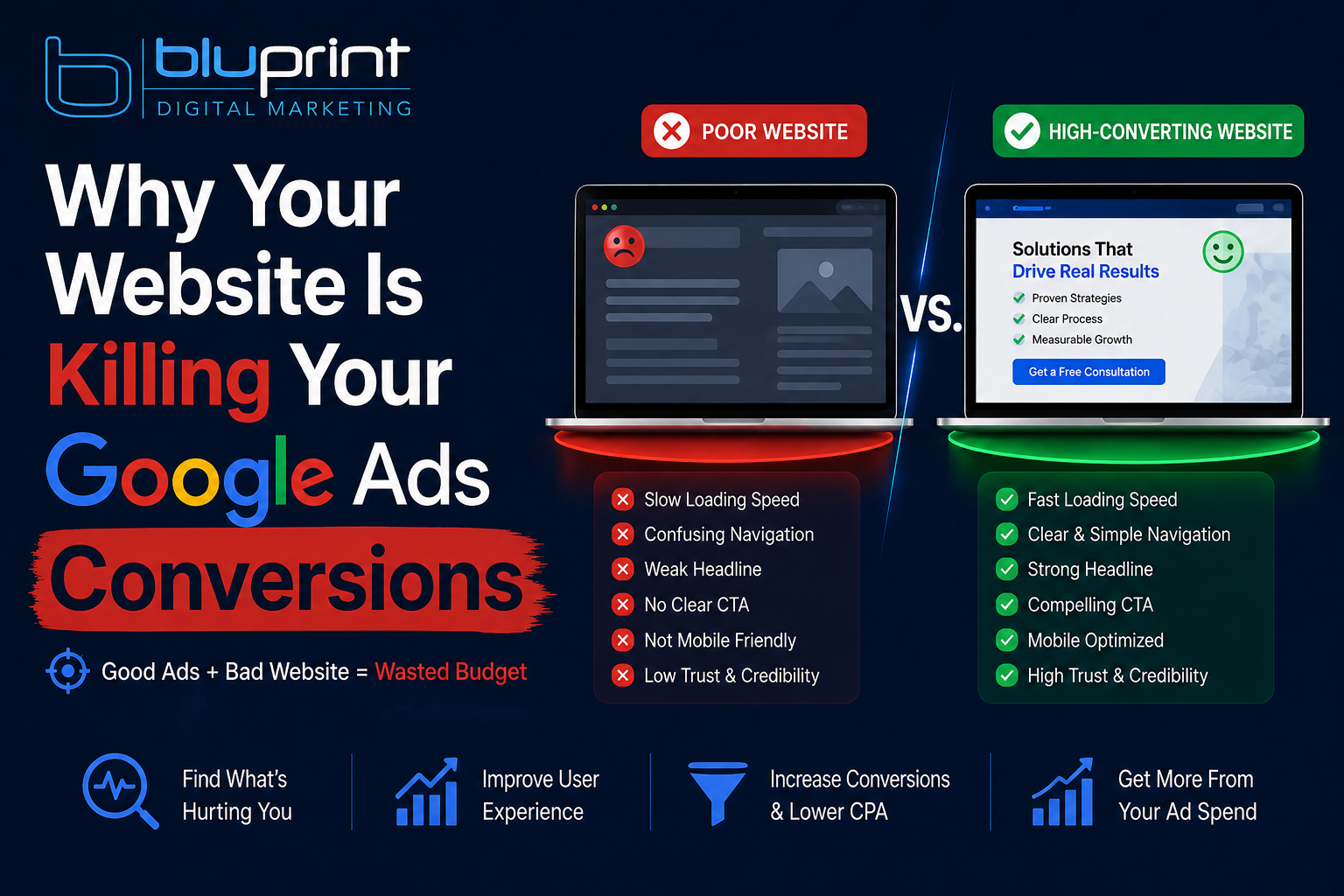
This is the single most overlooked conversion killer. Someone clicks your ad for “emergency plumber Denver” and lands on your general homepage. They have to hunt around to find a phone number, figure out if you serve their area, and decide if you handle emergency calls.
They don’t. They leave. You paid for that click.
Google calls this relevance — and it affects both your conversion rate and your Quality Score, which directly impacts how much you pay per click. A mismatched landing page is costing you money twice.
The fix: Each ad group should send traffic to a page that directly matches the search intent. If you’re running ads for emergency plumbing, the landing page should say “emergency plumber,” show your phone number prominently above the fold, and make it immediately clear you serve the customer’s area.
3. Your Phone Number Is Hard to Find
This sounds obvious but it gets missed constantly. On mobile — where the majority of local service searches happen — users make a decision in seconds. If your phone number isn’t visible the moment the page loads, most people won’t scroll to find it.
Check your landing page on a phone right now. How many taps does it take to call you?
The fix: Put your phone number at the very top of the page on mobile. Better yet, use a click-to-call button that sticks to the bottom of the screen as users scroll. Also make sure your Google Ads have call extensions enabled so people can call directly from the ad without even visiting your site.
4. Your Ad Copy Is Too Generic
If your ad looks exactly like every other ad on the page, why would anyone choose yours? Generic headlines like “Professional Services — Call Us Today” don’t give a searcher any reason to click your ad over a competitor’s.
Even worse, generic copy attracts generic clicks — people who are browsing rather than ready to buy.
The fix: Use your headlines to address the specific problem the searcher has. Lead with what makes you different — same-day service, free estimates, a specific guarantee, years in business, Google reviews rating. Give them a reason to choose you before they even get to your site.
5. You’re Not Tracking Conversions Properly
Here’s the one that really hurts: you might actually be getting calls and form fills — and just not know it because conversion tracking isn’t set up correctly.
Without proper conversion tracking, you’re flying blind. You can’t tell which keywords are driving calls, which ads are working, or where your budget is being wasted. Google’s algorithm also can’t optimize toward conversions if it doesn’t know what a conversion looks like.
The fix: Make sure you have call tracking set up (either through Google’s native call tracking or a third-party tool like CallRail), form submission tracking firing correctly, and that your conversions are importing into Google Ads properly. Check the “Conversions” column in your campaign — if it says zero across the board, something is broken.
6. Your Budget Is Too Low for Your Market
In competitive markets — legal, home services, medical, financial — clicks can cost $10, $20, $50 or more each. If your daily budget is $10, you’re getting one or two clicks a day at best. That’s not enough data or volume to generate consistent leads, and your ads may not even be showing during peak hours.
The fix: Research the average cost-per-click for your industry and make sure your budget gives you enough clicks to actually test what’s working. As a rough rule, aim for at least 10 clicks per day minimum to start gathering meaningful data.
The Bottom Line
Getting clicks but no calls is a signal, not a verdict. It means something in the chain between the search and the conversion is broken — and every one of the issues above is fixable with the right adjustments.
The mistake most business owners make is either ignoring the problem and hoping it gets better, or giving up on Google Ads entirely. The right move is to diagnose exactly where the drop-off is happening and fix it systematically.
If you’ve been staring at a dashboard full of clicks and an empty inbox, we’d love to take a look. At Bluprint Digital Marketing, we audit Google Ads campaigns every day and almost always find money being left on the table. Get a free consultation and let’s figure out what’s going wrong with yours.